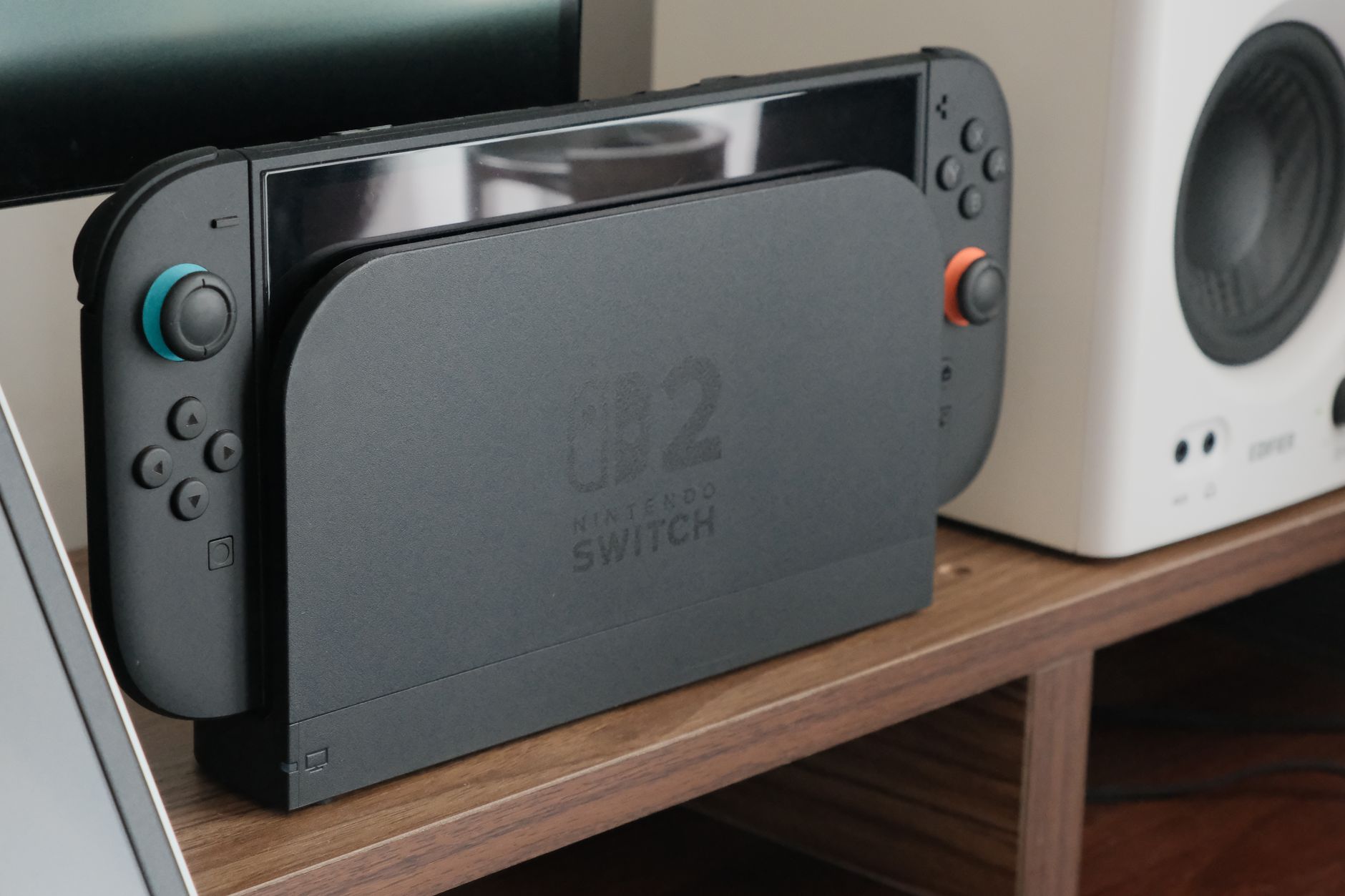
Nintendo has enabled VRR support on Switch 2 when the console is docked and connected to a TV or monitor. The feature arrives with system update 23.0.0 and completes functionality planned for external display use that was not available at the console's launch.
VRR, short for Variable Refresh Rate, refers to a display's variable refresh frequency. Instead of operating at a fixed rate, depending on the hardware used, the screen can match its refresh rate to the actual number of frames produced by the game. This approach aims primarily to reduce two visual flaws that occur when the frame rate and the panel's refresh rate fall out of sync: tearing—the simultaneous appearance of portions of different frames—and the stutter perceived during performance fluctuations.
For Switch 2, the change applies exclusively to TV mode. It therefore does not alter handheld console operation, nor does it automatically introduce improvements across every title in the catalog. The outcome depends on a specific compatibility chain: the TV or monitor must support VRR, the running software must support it as well, and the console dock must be updated. After installing the firmware, the option can be enabled in the Display section of the system settings.
A useful feature where the frame rate is not constant
In a game that maintains a stable pace, VRR has limited scope for action because there is little to compensate for. It becomes more relevant, however, in sequences where the frame rate fluctuates: particularly dense scenes, open areas, crowded combat, or sections that put CPU and GPU under heavy load. Under these conditions, dynamic alignment between the console's output and the panel can make the image appear smoother, preventing the display from refreshing at an awkward moment relative to frame generation.
However, it is not a technology that boosts game performance. Switch 2 will not produce more frames simply because VRR is enabled, nor will a poorly optimised title be transformed into a perfectly smooth experience. The benefit lies in the presentation of frames that have already been rendered, and it can vary significantly depending on the display, its VRR implementation, and how each individual game behaves. Anyone using a TV without this feature will continue using the console just as before.
The arrival of this option brings the docked mode experience closer to the standards already established on other contemporary home consoles. PlayStation 5 and Xbox Series X|S have long supported variable refresh rates on compatible displays. For Nintendo, which continues to blend handheld and living-room gaming with Switch 2, the shift holds practical value mainly for those who choose to play on the big screen and own a recent TV or gaming monitor.
How to enable it and what to check
Updating the system alone is not necessarily enough. Nintendo points out that the dock firmware must also be updated, as it is an essential link in the video signal chain to the display. At that point, VRR must be enabled in the Display settings. If the option has no effect, the most likely causes are a lack of support on the TV, an incompatible configuration on its video port, or a lack of support from the running game.
It is therefore worth checking your display's manual or on-screen menu: some TVs restrict VRR to specific HDMI ports or require enabling a dedicated mode. Nintendo does not present the feature as a universal setting to be applied indiscriminately across the entire catalogue, but rather as an option available when all components involved support it.
For developers, console-side enablement also expands the options for handling titles designed for Switch 2. It remains to be seen which games will receive explicit support and whether studios will update already-released titles. The update establishes the technical foundation, but its actual adoption will depend on developer choices and patches released over time.
Other new features in firmware 23.0.0
VRR is the most significant change in update 23.0.0, but it is not the only one. Nintendo has added full data transfer from one Switch 2 to another Switch 2. The procedure will be useful for anyone replacing their console, whether upgrading to a new model or cleanly transferring data and save files to another unit.
A new toggle for Handheld Boost Mode has also been added to the quick settings. Additionally, Nintendo has tweaked the Mii editor: background music can now be played on the creation screen, with the option to change or stop it. It is a less impactful detail compared to the improvements regarding visuals and transfers, but it revives a familiar touch for those who associate Mii characters with previous Nintendo consoles, including Wii, Nintendo 3DS, and Wii U.
The real significance of the update therefore lies in enabling a feature long anticipated since Switch 2 arrived on the market. For some users, it will be an immediately noticeable improvement, provided they have the right display and games capable of leveraging it; for others, it will remain an option with no visible effects. In either case, Nintendo is finally adding a crucial piece to TV mode to more cleanly handle inevitable frame rate fluctuations.
In upcoming updates, two aspects will be important to monitor: the list of software that will implement VRR and the potential arrival of more detailed guidance from Nintendo regarding compatibility conditions. For now, firmware 23.0.0 establishes a clear rule: Switch 2 can use variable refresh rate in the dock, but the experience depends on the entire chain between console, dock, game, and display.